If you want to build a workflow that works across multiple AWS accounts instead of just one, this is possible, but there’s a quirk. Some AWS-related actions have built-in support for multiple AWS accounts via a multi-select dropdown: In the AWS block, these actions are Get Account IDs, EBS Get Volumes, EBS Get Snapshots, EC2 Get Instances, RDS Get Instances, and RDS Get Snapshots. In addition, all actions in the AWS Compute Optimizer block support multiple accounts. All other actions in AWS-related blocks only support a single account. This means that if your workflow contains at least one action that only supports a single AWS account, you need to first get a list of accounts, then introduce a loop step to iterate over them. Additionally, you’ll need a specifically configured AWS connection that enables access to multiple accounts. Here’s how you could do this.Documentation Index
Fetch the complete documentation index at: https://openops-ecb4f397-ops-3865.mintlify.app/llms.txt
Use this file to discover all available pages before exploring further.
1. Create an AWS connection that enables access to multiple accounts
If you don’t yet have one, set up an AWS connection that supports multiple accounts using assume roles.2. Get the list of accounts
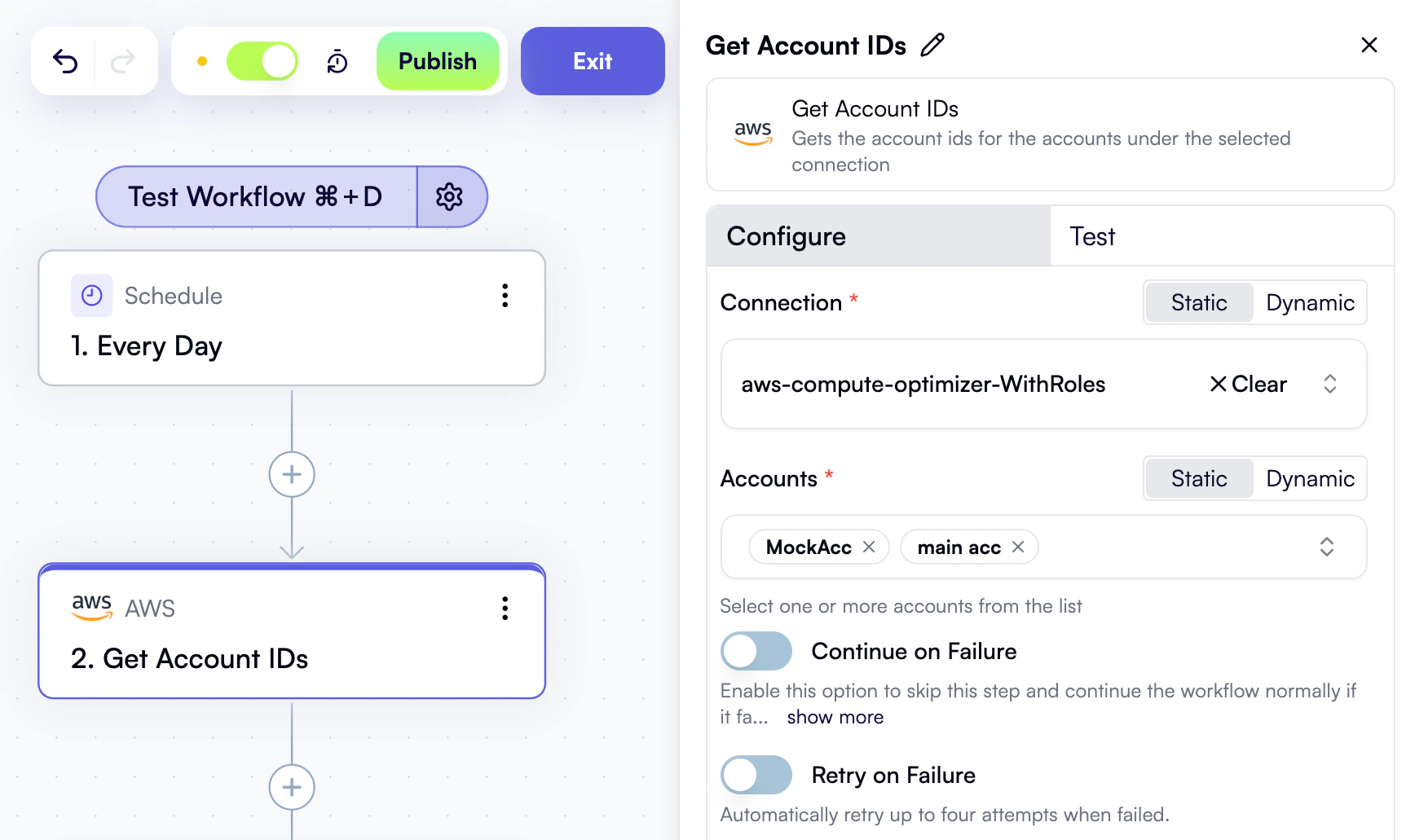
In your workflow, add a Get Account IDs AWS action. Choose the connection that enables access to multiple accounts. Then, in the Accounts property, use the multi-select dropdown to select all accounts that you want to iterate over:
3. Iterate over accounts
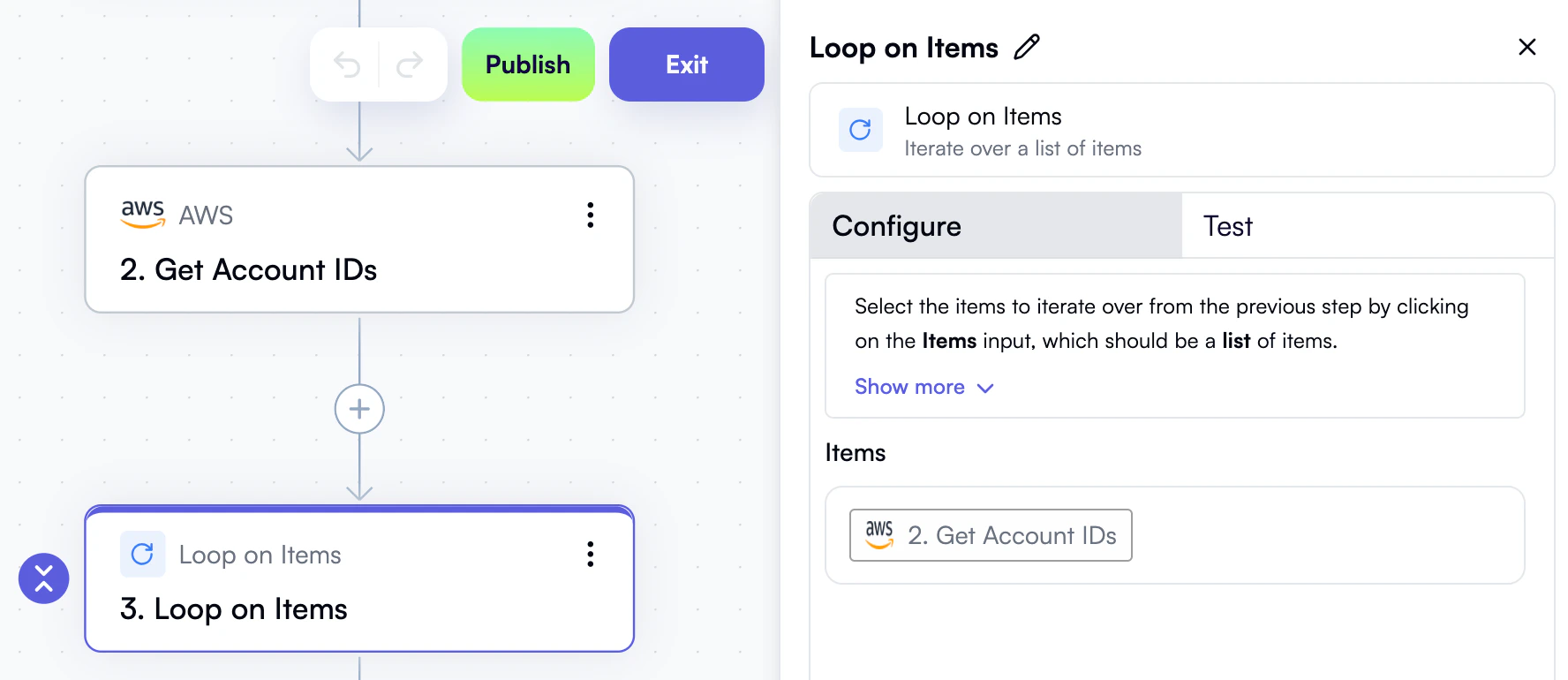
Add a Loop on Items step to your workflow. In the Items property, use the Data Selector view to select Get Account IDs — that is, the entire output of the previous step: